The Paper Parking Lot for Thoughts That Interrupt
A paper parking lot for distracting thoughts gives stray ideas a place to wait, helping you recognise them later without letting them take over your page.
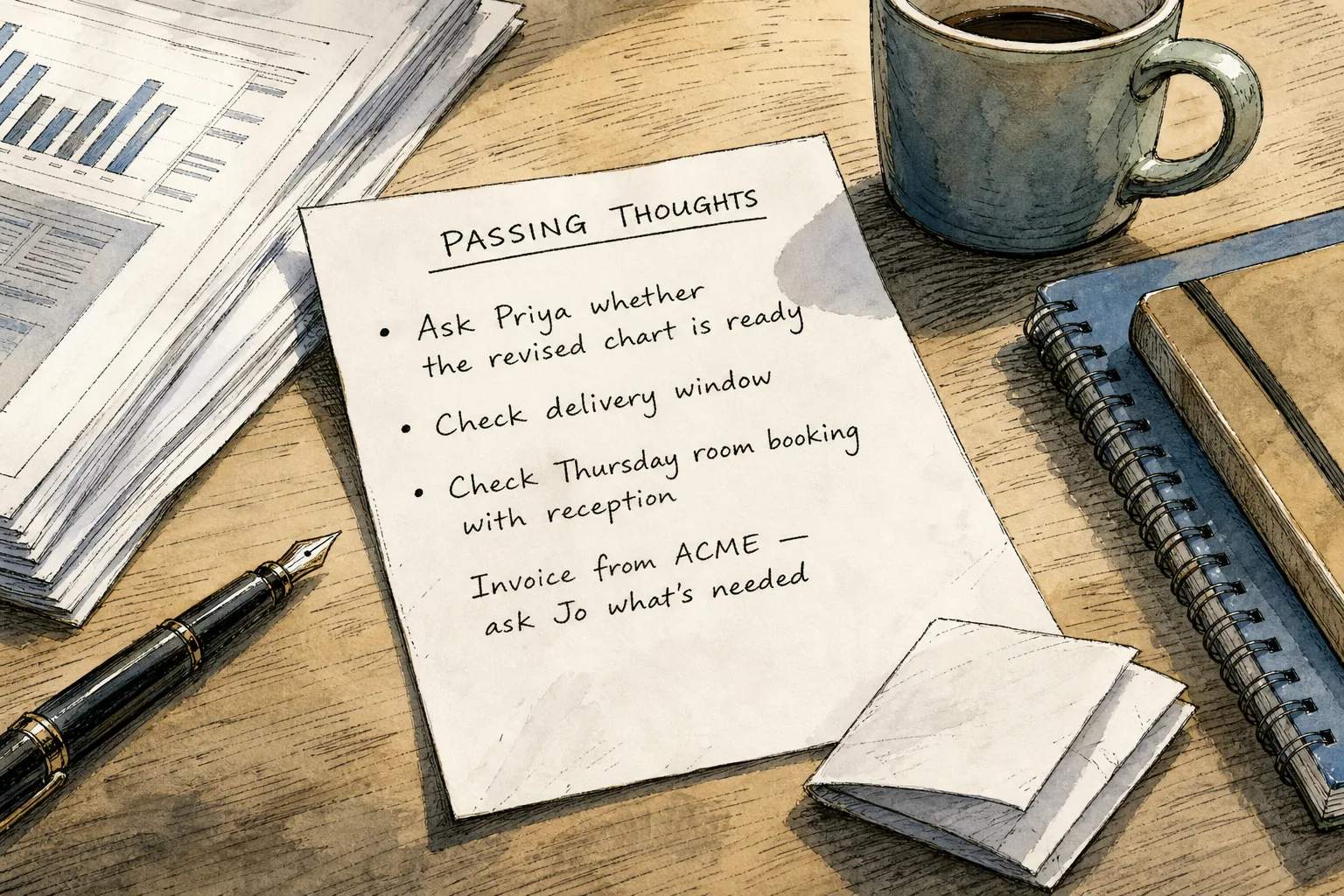
You are halfway through drafting a difficult email when you remember to book a dentist appointment, check a delivery and ask a colleague about a file. A paper parking lot for distracting thoughts gives each reminder a visible place without turning the page into a second task list.
The point is not to plan your day or create a ritual for starting work. It is to distinguish a thought that has arrived from the work you have chosen to do. Like a tray by the door for post, the page gathers things briefly without deciding what deserves your attention next.
Why does capturing a thought sometimes create another task?
A reminder can pull you into action before you have even finished writing it. You jot down “travel” and open a booking site; you write “reply to Sam” and start drafting a message. The note has become a doorway into another task.
Keep the capture separate from the response. A useful note might say “check return train for Thursday”, but it should not lead into a search unless the matter genuinely cannot wait. The aim is to name the thought, not resolve it on the spot.
What makes a reminder recognisable later?
A single vague word can leave you guessing. “Invoice” might mean send one, check one or ask someone about one. Add a verb and a clue that identify the thought without writing out the whole task.
For instance, “Ask Jo about the draft invoice” is clearer than “invoice”. If you do not yet know what action is needed, write the question itself rather than trying to answer it while you are working.
Say you are preparing a presentation and remember that the room booking may be missing. You write “Check Thursday room booking with reception” on the sheet, then continue editing the slide. At a later pause, the note tells you what to verify: if reception confirms the room, cross it out; if not, contact reception or move the commitment into your usual work system.
How can you keep the page from becoming a task manager?
Give the sheet a simple heading such as “Passing thoughts”, and use it only for thoughts that would otherwise pull you away. Put real commitments in the calendar, task manager or work notebook you already rely on. The sheet is a temporary holding place, not a record that needs to be maintained indefinitely.
When you review it, decide what each line is now: irrelevant, already settled, or still something to handle. Cross out the first two. Transfer the last to the system suited to it, rather than copying every reminder into several places.
If you work away from your desk, choose one backup method that you can bring back to the same page, such as a folded note inside your notebook. Several unrelated scraps and apps can make it harder to tell which reminder is current.
What should you do with a thought that feels urgent?
A note cannot assess urgency for you. If a thought concerns an immediate responsibility or safety issue, respond in line with the situation and your role rather than putting it aside. For ordinary reminders, capture just enough to recognise the matter and decide what system it belongs in later.
When you are unsure whether a thought can wait, separate the urgency question from the capture. Write a short clue if doing so helps you remember it, then make the decision based on the actual deadline or obligation—not simply on how strongly the thought keeps returning.
What do readers ask about a paper parking lot?
Should I use a notebook or a loose sheet?
A loose sheet stays visible and is easy to discard; a notebook keeps notes together when you change locations. Choose the format you can reach without hunting, and combine them only if you have a clear way to bring the notes together.
Can I include personal reminders?
Yes, if they are distracting you, but record only enough to recognise them. Put a fixed appointment or deadline in a dependable calendar rather than trusting a temporary sheet to hold it.
What if the same thought keeps returning?
Check whether the note is too vague, belongs in another system or raises a question you have not answered. Clarify the wording if its meaning is unclear; if it is a genuine commitment, transfer it to the place where you manage such work.
How much detail should one note contain?
Use a short phrase with a verb or clue where it helps identify the thought. Add a date only if you know it and it matters; do not turn the note into research, planning or a message draft.
What signs show that the page needs a different approach?
Check what is happening on the page, then choose the response that fits the observation:
- Observation: A line says only “travel”. If you cannot tell later what it means, then replace it with a clue such as “check return train for Thursday”; otherwise, leave the note as it is.
- Observation: You open a browser or begin composing a message while capturing the thought. If the matter can wait, then stop at the note and close the extra task; otherwise, respond to the actual obligation.
- Observation: A reminder has a definite deadline. If you know the date, then enter it in your calendar or dependable system; otherwise, leave the date off instead of guessing.
- Observation: A line no longer needs action. If it is settled or irrelevant, then cross it out; otherwise, retain it briefly or transfer it to the right system.
- Observation: Old notes make the page difficult to scan. If any line still matters, then transfer that commitment before replacing the sheet; otherwise, discard the page.
- Observation: You are away from the sheet when a thought arrives. If you have one dependable backup method, then capture it there and bring it back; otherwise, keep a folded sheet in your notebook.
Imagine you are editing a report with a blank sheet beside you. You write “Ask Priya whether the revised chart is ready” and “Check delivery window” when those thoughts arise, without opening email or a delivery site. At your next pause, you transfer the chart question to your work notebook because it belongs with the report; you leave the delivery note undated because no date is known. The visible outcome is two distinct decisions: one commitment has a proper home, and the other remains a recognisable reminder without a guessed deadline.
A paper parking lot for distracting thoughts works best as a boundary, not as another productivity system. Keep the page for passing thoughts, put continuing obligations where you already manage them, and let the difference between the two prevent a fleeting interruption from claiming more attention than it needs.
Keep the thread going
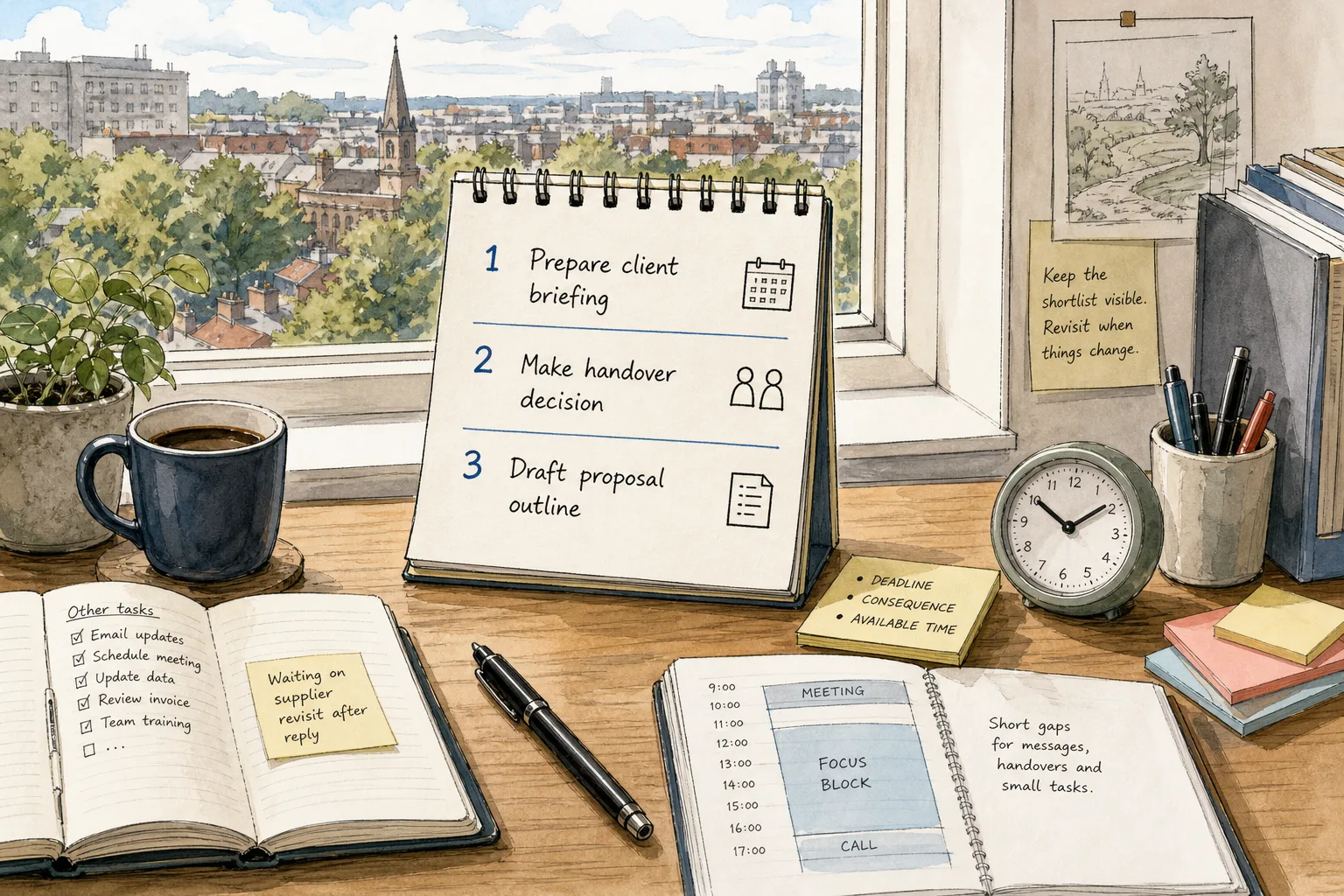
The Three-Item Shortlist for a Crowded Task List
A three-item shortlist helps you choose meaningful work from a crowded task list by weighing deadlines,…
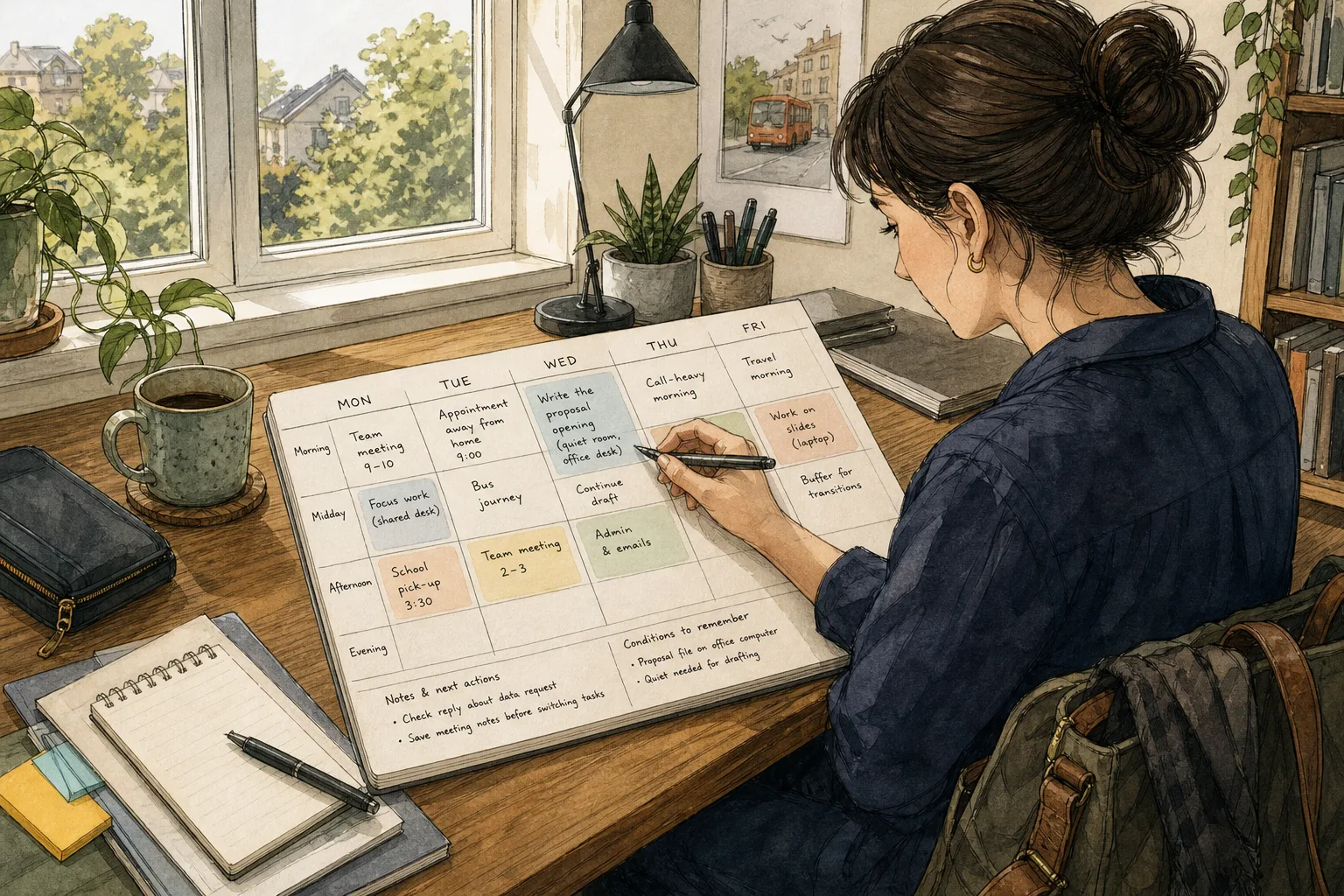
A Flexible Weekly Plan That Leaves Room to Think
A flexible weekly plan helps you place work around real commitments, make transitions visible and keep…