A Shared Table, Reset for One Focused Session
A shared table reset can give you a clear place to concentrate while keeping the next task visible and your work easy to pack away.
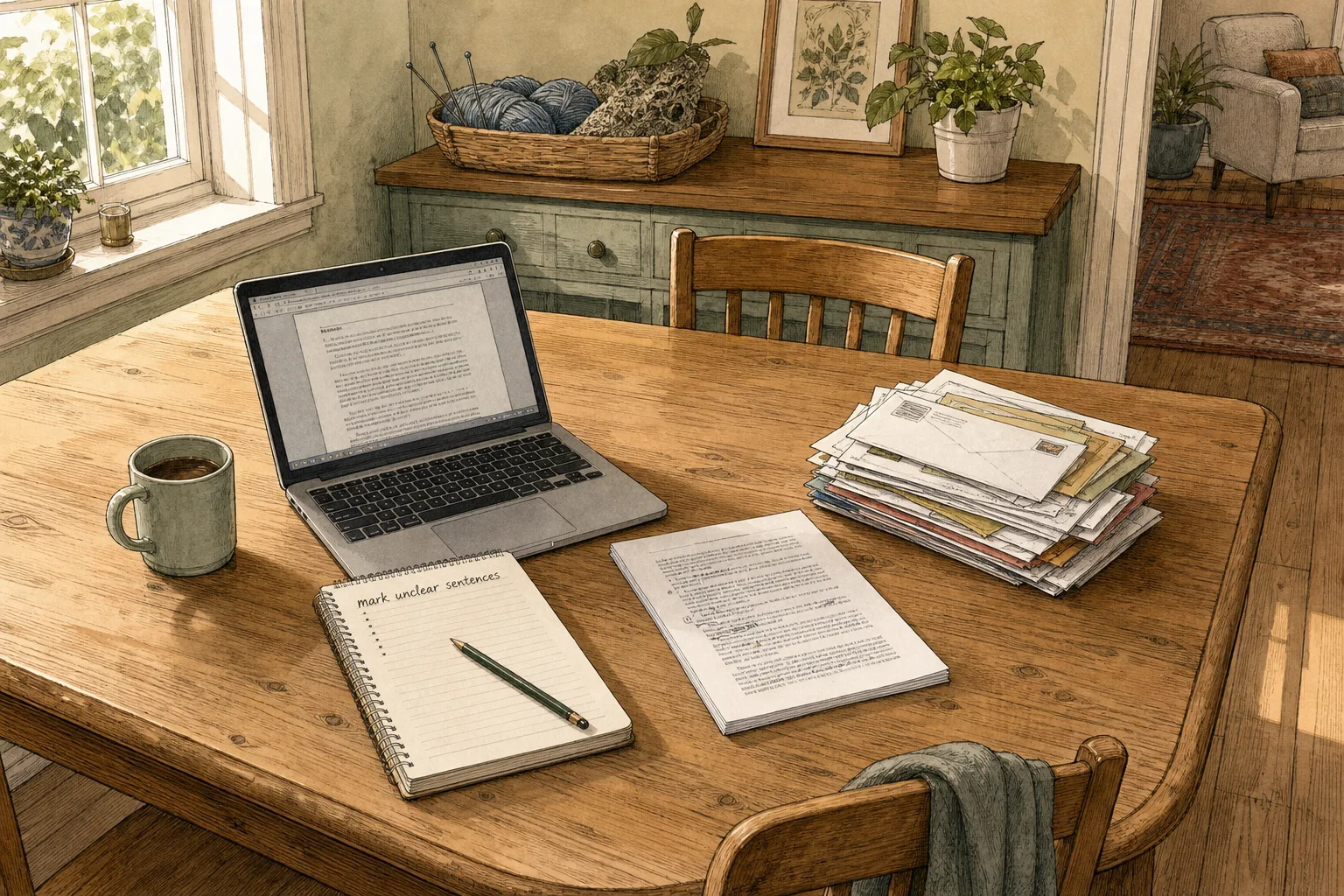
You have a report to finish, but the shared table is still carrying yesterday’s work. A shared table reset can give you a clear place to concentrate without turning the whole room into your office.
The aim is not an empty surface. It is a small, deliberate setup that tells your attention what to do now and makes it easy to stop when the table is needed again.
What does your task need from the table?
Name the next action before moving anything: drafting a page, reviewing a document or joining a call. Set out only the tools that action requires, such as a laptop, notebook and pen. A defined working patch reduces visual competition without asking you to reorganise the room.
Notice what will demand attention if it stays in view. An open notebook may mark someone else’s unfinished work; a stack of post may be waiting to be sorted. Leave those signals intact and choose a position that does not block them.
- Task materials: If an item is necessary for the next action, keep it within reach; if it is not, return it to its usual place or leave it outside the working patch.
- Unfinished work: If its owner is present, ask before moving it; if not, work around it or choose another surface.
- Private papers: If a document is not yours, do not read or turn it over; if it obstructs the task, ask its owner or relocate your work.
- Small loose items: If they belong together and you have permission to move them, keep them in one tray; if ownership or destination is unclear, leave them where they are.
- Shared equipment: If someone else needs it during your session, agree on access before starting; if timing cannot be agreed, choose a different setup.
- Next use of the table: If the surface is needed before you expect to finish, use a portable arrangement; if the timing is unclear, check with the people who share it.
How can you make a focused patch?
Choose a patch that fits the task rather than claiming the whole table. Keep your screen, notes and writing tools together, with a clear route to anything another person needs. A notebook on a desk is a useful analogy: it gives your attention a boundary without pretending the rest of the room has disappeared.
Put your phone where it will not repeatedly pull your gaze, unless the task depends on it. Close unrelated tabs and keep the current document visible. If a thought or follow-up task interrupts you, jot it on a separate note and return to the line you were working on.
For a task that needs more room than the shared surface allows, change the setup rather than spreading materials across someone else’s work. A laptop and a single reference page may fit where several open folders do not.
How do you reset the table without losing focus?
Use a short sequence that moves from intention to work, not from tidying to more tidying.
- State the next action. Write a brief task such as “draft the opening section”. If you cannot name a next action, spend a moment deciding what would count as progress before arranging the table.
- Check the shared space. Look for active work, private papers and equipment someone else needs. If moving anything would affect another person, ask first or work around it.
- Gather only your materials. Bring the document, writing tool and device required for the named action. If you are carrying extra items “just in case”, leave them aside until the task calls for them.
- Reduce visible distractions. Close unrelated files, silence non-essential notifications and turn unnecessary materials face down or put them away. If a notification is needed for the task, keep that channel available and silence the rest.
- Begin with a small, observable action. Type a heading, annotate the first paragraph or write the first question. If you remain stuck, make the task smaller rather than adding another round of preparation.
- Set a stopping cue. Decide what you will save, pack away or leave ready for the next session. If the table is needed sooner than expected, save your work and switch to a portable setup.
Say you need to review a two-page draft at a shared kitchen table, where a family member has left a knitting project beside a pile of post. You ask about the knitting; the owner agrees to place its project bag on the sideboard, keeping the yarn and pattern together, and asks that the post stay untouched. You set out the draft, one pencil and your laptop, then close unrelated tabs and write “mark unclear sentences” at the top of your notes. You review both pages, save the comments in the document and return the post to its original arrangement. The result is a completed review, an intact project and a table ready for its next use.
What helps when the task keeps slipping away?
Distraction often arrives as a specific cue: a phone lighting up, an unrelated document left open or a thought about a later task. Match the response to the cue. Move the phone out of sight, close the extra document or write the later task on a separate note.
If you are interrupted by another person, make the return point visible before responding. Leave a brief note such as “next: check the final paragraph” beside your draft. This is like placing a bookmark: it gives you a clear place to resume without keeping the whole task in your head.
Some interruptions cannot be moved aside. If a shared responsibility needs your attention, pause the work deliberately: save the file, note the next action and respond. The point is not to defend focus at any cost, but to avoid an accidental half-stop that leaves you unsure where to begin again.
What do people ask about a shared table reset?
How much of the table should I use?
Use the smallest area that lets you perform the next action comfortably, and keep access to shared items clear. If the task needs more room than that, move to another surface or agree a time when the table is available.
Should I tidy before I start working?
Only tidy what directly prevents the task from beginning, and avoid turning preparation into a separate project. If you can start by opening the document and setting out one tool, begin there.
What should I do when someone interrupts me?
Pause at a clear point, save your work and write down the next action before responding. If the interruption is brief, return to that note; if it changes your plans, choose a new next action rather than trying to resume the old one automatically.
How can I leave unfinished work ready to resume?
Save the file, keep your own materials together and leave a note naming the next action. If another person needs the table, pack your setup away and record where you can continue, rather than leaving work in their way.
When should you choose another work surface?
Use another place if the table is needed soon, if its current arrangement carries information you cannot preserve, or if your task needs more space than the shared setting allows. A desk, library table or quiet corner may make it easier to keep one task in view without negotiating every object around it.
If no other surface is available, make the session portable: keep the working document on your laptop, use one notebook and put loose materials in your own folder. A shared table reset is most useful when the setup supports the work and the handover is clear. Before leaving, save your progress and make the next action easy to spot when you return.
Keep the thread going
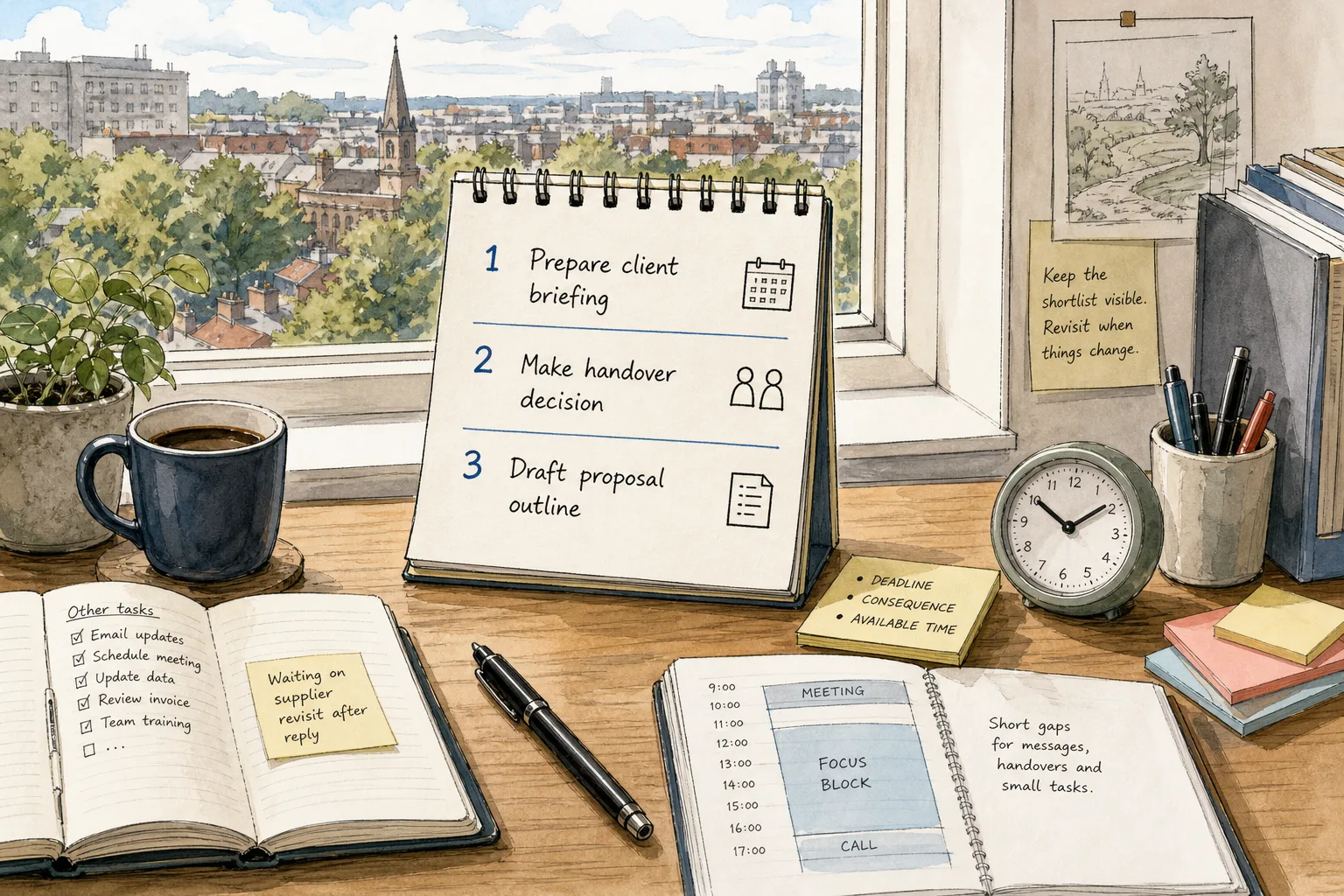
The Three-Item Shortlist for a Crowded Task List
A three-item shortlist helps you choose meaningful work from a crowded task list by weighing deadlines,…
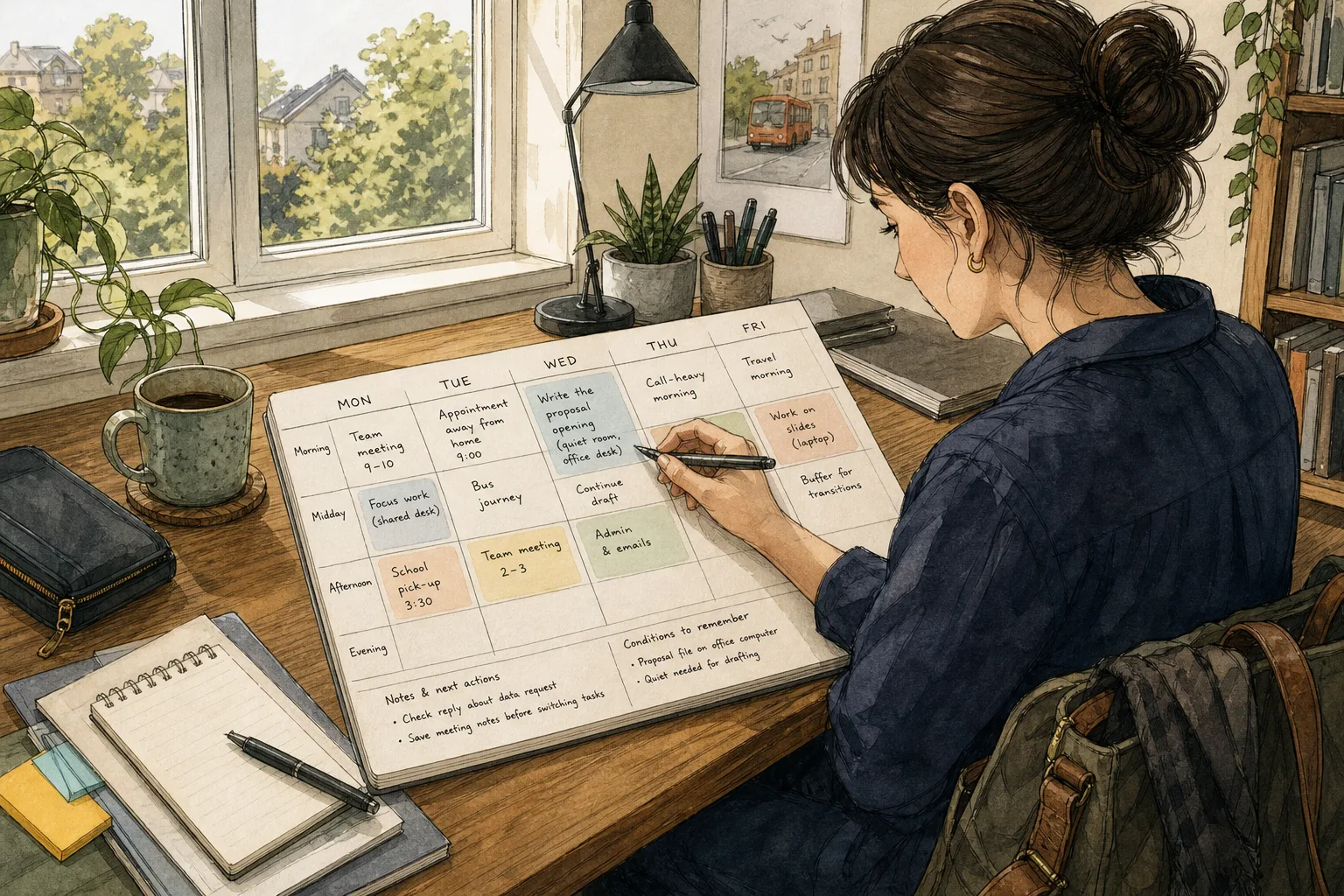
A Flexible Weekly Plan That Leaves Room to Think
A flexible weekly plan helps you place work around real commitments, make transitions visible and keep…